Dell · Cables & Hubs
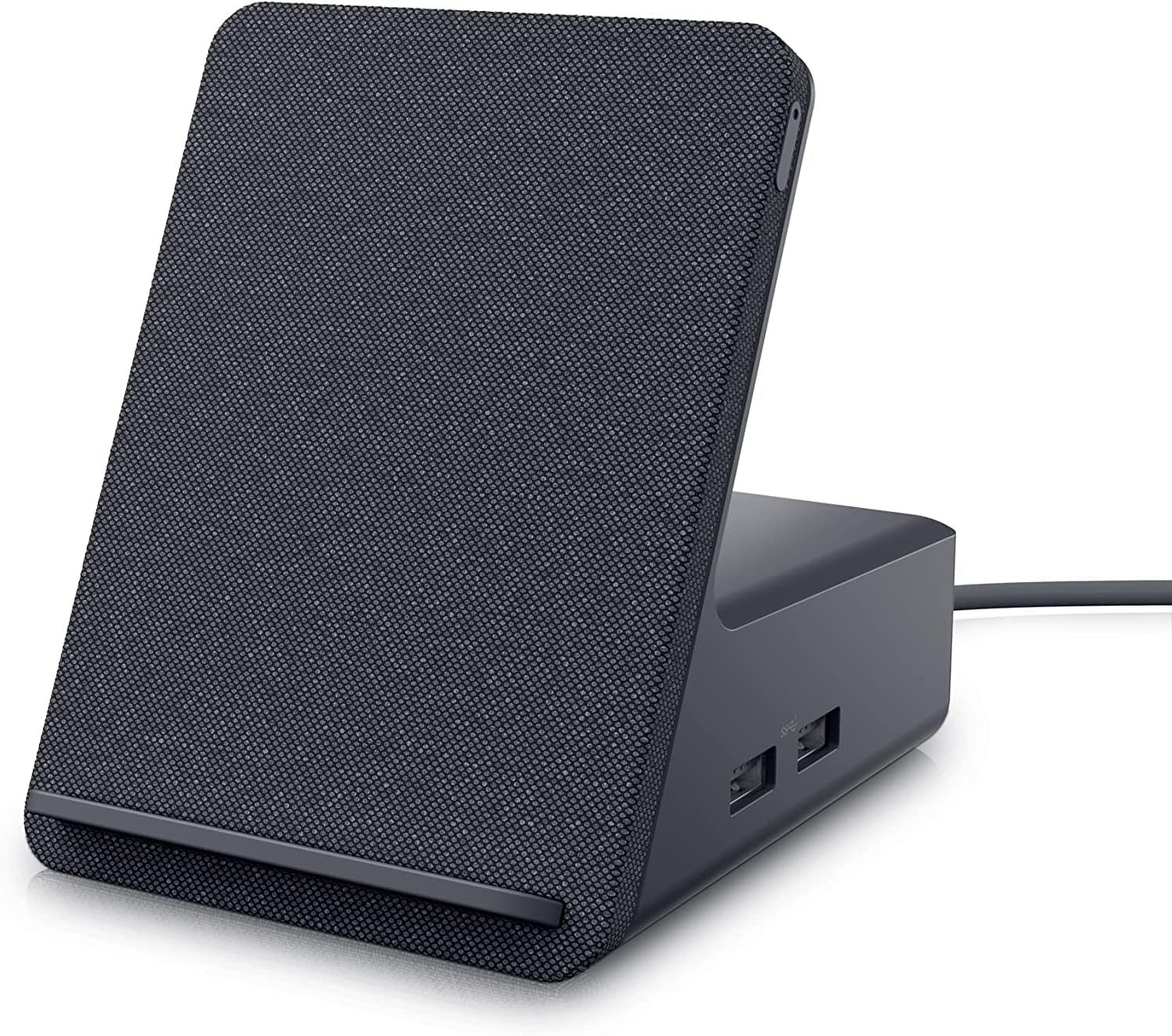
Dell HD22Q Dual Monitor Docking Station with Wireless Charging Stand
The Dell HD22Q combines dual-monitor connectivity, USB-C docking, and a wireless phone-charging stand in one tidy desktop hub. Its appeal depends heavily on laptop compatibility.
Best for a permanent desk setupCheck Amazon for current price
Reviewed by SpecVexa Editorial · Updated Sep 6, 2026
Research review — we assess specs, ports, and stated compatibility against the manufacturer listing rather than lab testing, and we never describe hands-on use we have not done. How we review
Check price on Amazon →
Amazon US affiliate link · commission may apply
Pros
- Combines dual-monitor connections with a wireless charging stand
- HDMI and DisplayPort provide flexibility for common monitor setups
- Keeps a compatible phone visible while it charges
- Consolidates several permanent desk functions into one accessory
Cons
- Not as portable as a compact USB-C hub
- Dual-display support depends on the laptop and operating system
- Wireless charging can be sensitive to phone cases and alignment
- Power delivery, included accessories, and full port details require listing verification
Bottom line
The Dell HD22Q is a practical desktop dock for laptop users who want two external displays and a visible, wirelessly charging phone without adding another stand. It is best suited to a permanent home-office setup, but buyers must confirm that their laptop’s USB-C port and operating system support the intended display arrangement.
Buy this if
- You regularly connect a USB-C laptop to two desktop monitors.
- You want a phone stand and compatible wireless charger integrated into the dock.
- Your desk would benefit from consolidating display and accessory connections around one hub.
- You prefer a Dell-branded office accessory over an unfamiliar generic dock.
- You are willing to verify laptop, monitor, and charging compatibility before ordering.
Skip if
- You need a compact hub that disappears into a travel bag.
- Your laptop’s USB-C port does not support video output or the dock’s required connection standard.
- You use only one monitor and do not care about wireless phone charging.
- You need a dock with a clearly confirmed port count, display limit, or charging capability not stated in the current Amazon listing.
Bandwidth and power budget
A cable or hub does not add capability to your laptop — it carries, or divides, what a single port already has. Read this section as a budget you are spending, not features you are gaining.
What this listing states
- HDMI video — listedOnly works if the host port itself carries video. No adapter can create a display signal that is not there.
- 4K or higher stated — not listedCheck whether the listing says 4K at 60Hz or only 30Hz — 30Hz is visibly choppy for desktop work.
- Charging wattage stated — not listedTells you whether it can keep the laptop charged through the same port it occupies.
- Ethernet — not listedWorth it for stable calls and big transfers, and it shares the same lane as everything else on the hub.
- Card reader — not listedSaves carrying a separate reader if you shoot photo or video.
- Thunderbolt or USB4 — not listedThe high-bandwidth tier — needed for dual displays or fast external storage, and only useful if your laptop has it too.
Budget the one port you are giving up
- Video only works if your laptop's USB-C port supports DisplayPort Alt Mode. No hub can add it.
- 4K at 60Hz needs roughly twice the bandwidth of 4K at 30Hz; inexpensive hubs often list only 30Hz in the fine print.
- Pass-through charging typically loses 10–15W to the hub, so size your charger above your laptop's rating.
- Running an external display, gigabit Ethernet, and fast storage at once will slow at least one of them down.
- For cables, length costs signal: long HDMI and USB-C runs may quietly drop to a lower resolution or speed.
Listed items come from this product's own Amazon listing. An unlisted item is one the manufacturer does not mention — it may still be present, so confirm on the listing before buying.
Full review
Performance & everyday use
The HD22Q’s main advantage is consolidation. Its HDMI and DisplayPort connections are intended to make a dual-monitor desk easier to reconnect when arriving with a laptop. Instead of attaching separate display adapters and a phone charger, you connect through a central desktop accessory. That can make daily docking less cumbersome and reduce loose hardware around the workspace.
The phone stand is more useful than a flat charging pad during the workday because notifications and calls remain visible. Wireless charging performance still depends on the phone, case thickness, alignment, and supported charging standard. Buyers should not assume every phone or case will charge equally well.
Dual-display behavior is the biggest qualification. A USB-C connector alone does not guarantee video output, laptop charging, or two independent extended displays. Capabilities can differ by computer model, graphics hardware, operating system, and USB-C implementation. This is especially important for Mac users, since some MacBook models impose external-display limits regardless of how many outputs a dock provides. Check Dell’s compatibility information and the Amazon listing before purchase.
Build, comfort & setup
Unlike a pocket-size dongle, this dock is designed to remain on a desk. The upright phone area gives it a larger footprint but also makes it more functional as an everyday workstation accessory. Its integrated design should look cleaner than stacking a hub beside a separate wireless charger, although cable management will still matter once two monitors and peripherals are attached.
Setup should be straightforward when the host laptop supports the required features: connect the displays, attach compatible accessories, and link the dock over USB-C. However, docks can require firmware, drivers, or system updates for reliable display behavior. Verify what is included in the box as well, particularly the power equipment and host cable, because listing contents can change.
Value & alternatives
The HD22Q makes the strongest value case when you will use both defining features: dual-monitor docking and the wireless charging stand. Check Amazon for the current price, then compare it with the combined cost and desk space of a conventional dock plus a separate phone stand and charger.
A simpler USB-C hub is the better choice for occasional use, one-monitor setups, or travel. Buyers who need more peripheral ports, specialized networking, higher-end display arrangements, or broad multi-computer support should consider a larger premium dock after confirming its specifications. The Dell name adds appeal for business-oriented setups, but compatibility matters more than branding.
Verdict
The Dell HD22Q is a thoughtfully combined desk accessory rather than a universal docking solution. It earns a recommendation for compatible laptop users who genuinely need two display outputs and want their phone upright and charging during the day. Confirm USB-C video support, operating-system display limits, monitor connections, phone compatibility, and box contents before buying; with those checks complete, it can be a clean and convenient workstation centerpiece.
How it compares to our other picks
| Pick | Type | HDMI | Ethernet | SD/TF | PD charging | Rating | Best for |
|---|---|---|---|---|---|---|---|
| Dell HD22Q Dual Monitor Docking Station with Wireless Charging StandThis review | Docking station | ✓ | — | — | — | ★ 4.4 | A permanent desk setup |
| Dell Pro Dock WD25Z USB-C Docking Station with 180W Adapter | Docking station | — | — | — | ✓ | ★ 4.9 | A permanent desk setup |
| Dell DA300 USB-C Mobile Adapter | Cable | ✓ | ✓ | — | — | ★ 4.4 | Everyday connections |
| Dell USB 3.0 Ultra HD/4K Triple Display Docking Station D3100 | Docking station | — | ✓ | — | — | ★ 4.4 | A permanent desk setup |
✓ = listed by the manufacturer. — = not listed (may still be present). Specs reflect current listings; confirm details and price on Amazon.
Related reviews
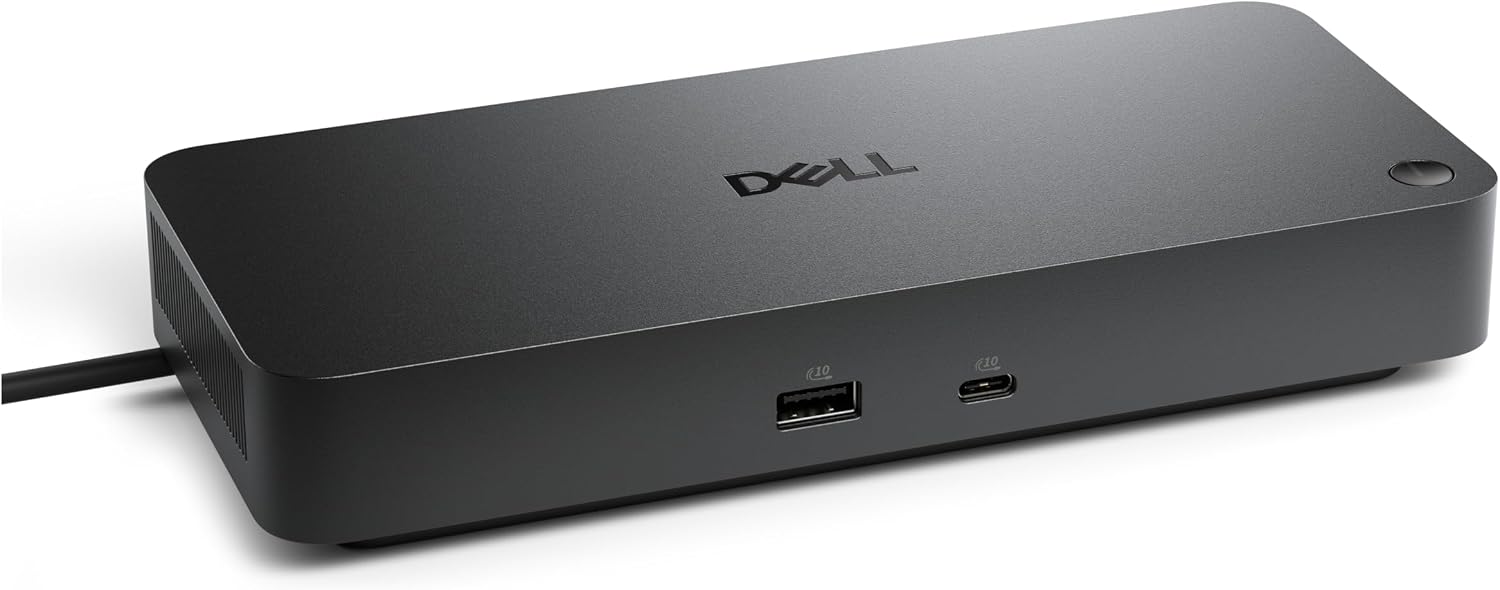
Dell Pro Dock WD25Z USB-C Docking Station with 180W Adapter
A business-focused USB-C dock for simplifying a Dell laptop desk setup. Its main appeal is single-cable convenience, but port and charging compatibility need verification.
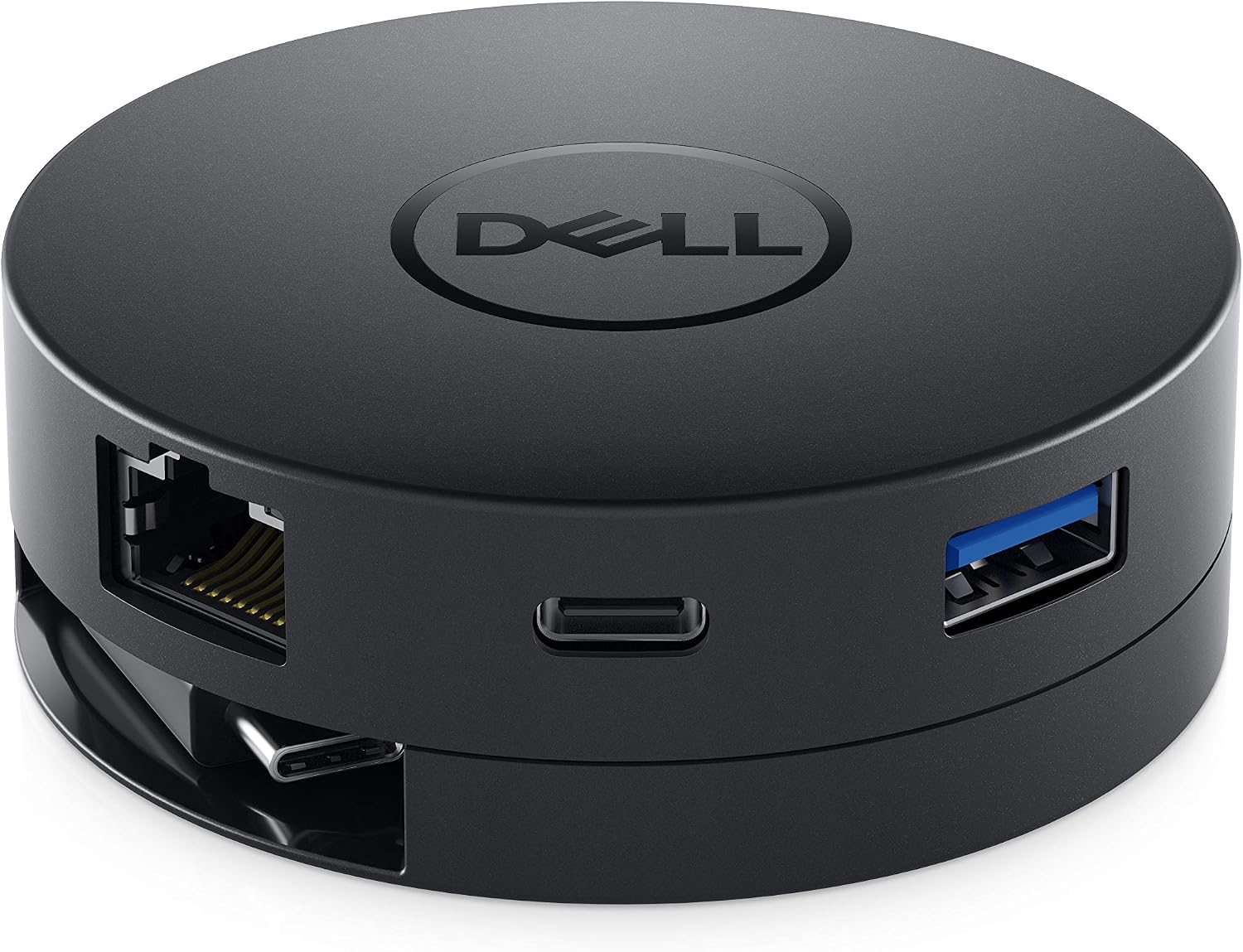
Dell DA300 USB-C Mobile Adapter
A compact USB-C travel adapter with modern and legacy display connections, USB expansion, and wired networking. Best for single-screen presentations and mixed office hardware.
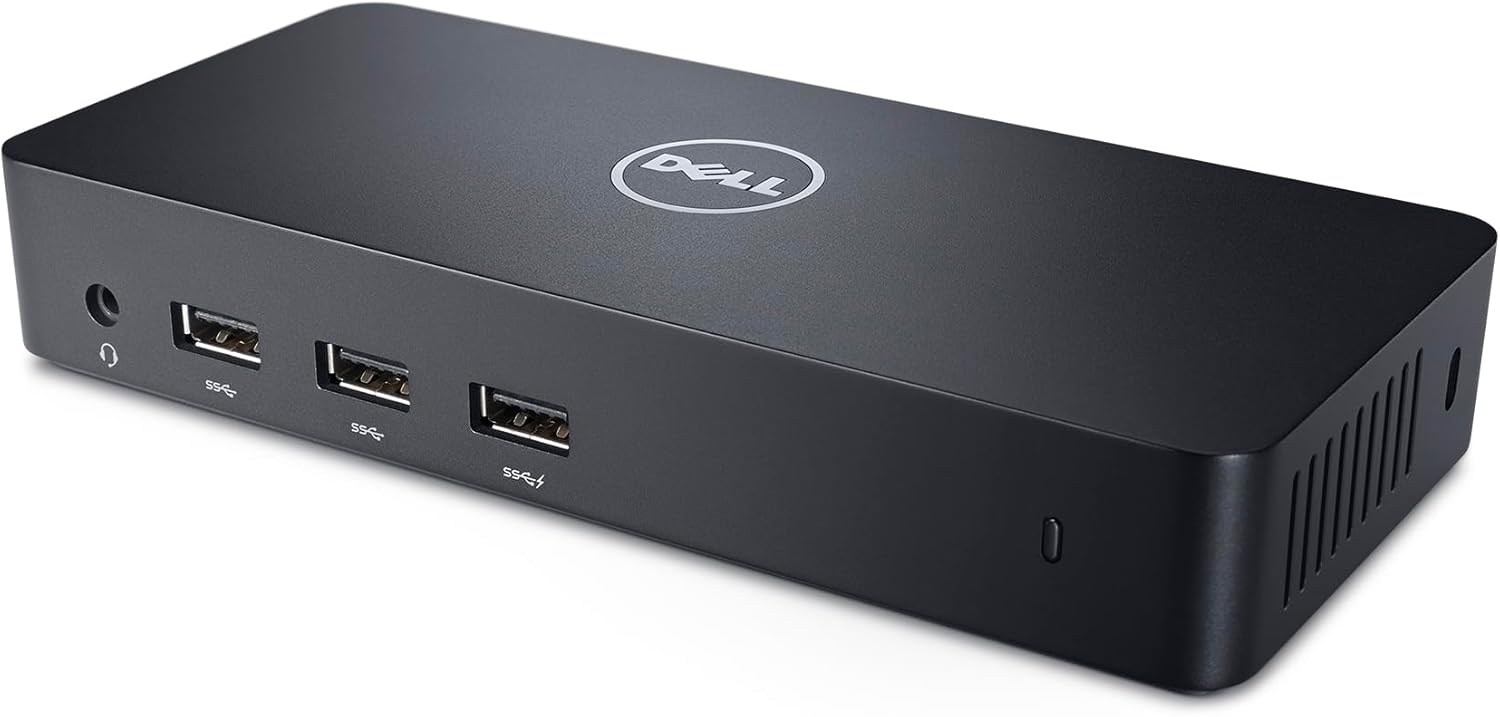
Dell USB 3.0 Ultra HD/4K Triple Display Docking Station D3100
The Dell D3100 adds up to three displays plus practical desktop connections through USB 3.0, but its DisplayLink design and lack of laptop charging require careful compatibility checks.
Dell HD22Q Dual Monitor Docking Station with Wireless Charging Stand
Best for a permanent desk setup