Dell · Cables & Hubs
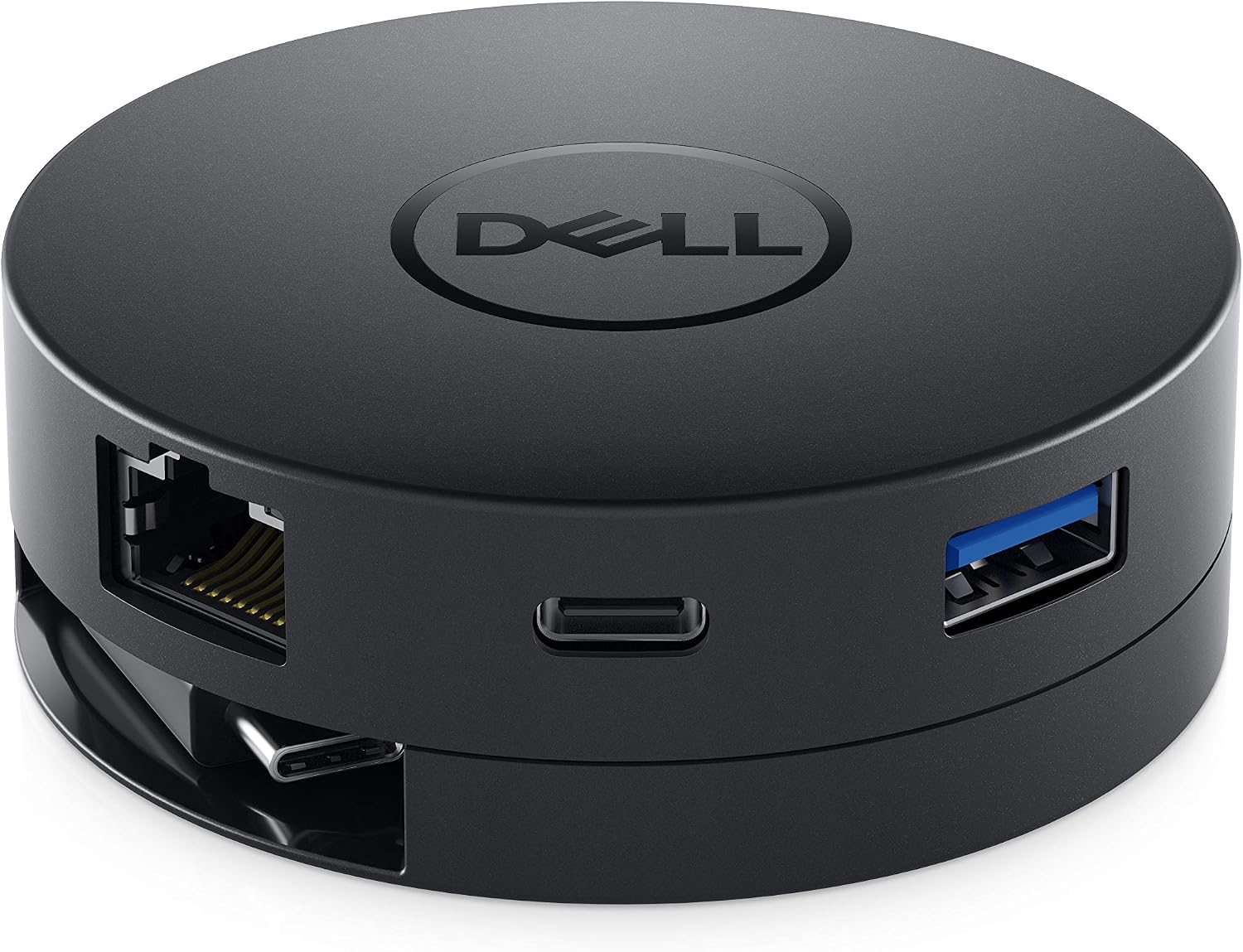
Dell DA300 USB-C Mobile Adapter
A compact USB-C travel adapter with modern and legacy display connections, USB expansion, and wired networking. Best for single-screen presentations and mixed office hardware.
Best for everyday connectionsCheck Amazon for current price
Reviewed by SpecVexa Editorial · Updated Sep 6, 2026
Research review — we assess specs, ports, and stated compatibility against the manufacturer listing rather than lab testing, and we never describe hands-on use we have not done. How we review
Check price on Amazon →
Amazon US affiliate link · commission may apply
Pros
- Includes modern and legacy display connection options
- Adds wired Ethernet and both USB-A and USB-C connectivity
- Compact design with an integrated, stowable cable
- Well suited to travel, presentations, and shared meeting rooms
Cons
- Does not function as a laptop-charging dock
- Not designed for multiple simultaneous external displays
- Short integrated cable may dangle from elevated laptops
- USB-C video compatibility depends on the host computer
Bottom line
The Dell DA300 is a practical mobile adapter for USB-C laptops that regularly encounter different monitors, projectors, USB accessories, and wired networks. Its broad connector mix is more useful for travel and conference rooms than for running a permanent multi-monitor workstation, but buyers should confirm laptop compatibility and the current Amazon listing before ordering.
Buy this if
- You present in offices or classrooms where the available display might use HDMI, DisplayPort, or older VGA connectivity.
- Your thin laptop needs both a conventional USB-A connection and wired Ethernet while traveling.
- You want a compact, name-brand adapter that fits more easily in a laptop bag than a desktop docking station.
- You generally connect one external display at a time and do not need the adapter to charge your laptop.
Skip if
- You need a one-cable desk dock that supplies power to the laptop.
- Your setup requires two or more external monitors operating through the same dock.
- You only need one basic port; a simpler single-purpose adapter will take up less room.
- Your computer lacks USB-C video output or uses a USB-C port limited to charging and data.
Bandwidth and power budget
A cable or hub does not add capability to your laptop — it carries, or divides, what a single port already has. Read this section as a budget you are spending, not features you are gaining.
What this listing states
- HDMI video — listedOnly works if the host port itself carries video. No adapter can create a display signal that is not there.
- Ethernet — listedWorth it for stable calls and big transfers, and it shares the same lane as everything else on the hub.
- 4K or higher stated — not listedCheck whether the listing says 4K at 60Hz or only 30Hz — 30Hz is visibly choppy for desktop work.
- Charging wattage stated — not listedTells you whether it can keep the laptop charged through the same port it occupies.
- Card reader — not listedSaves carrying a separate reader if you shoot photo or video.
- Thunderbolt or USB4 — not listedThe high-bandwidth tier — needed for dual displays or fast external storage, and only useful if your laptop has it too.
Budget the one port you are giving up
- Video only works if your laptop's USB-C port supports DisplayPort Alt Mode. No hub can add it.
- 4K at 60Hz needs roughly twice the bandwidth of 4K at 30Hz; inexpensive hubs often list only 30Hz in the fine print.
- Pass-through charging typically loses 10–15W to the hub, so size your charger above your laptop's rating.
- Running an external display, gigabit Ethernet, and fast storage at once will slow at least one of them down.
- For cables, length costs signal: long HDMI and USB-C runs may quietly drop to a lower resolution or speed.
Listed items come from this product's own Amazon listing. An unlisted item is one the manufacturer does not mention — it may still be present, so confirm on the listing before buying.
Full review
Performance & everyday use
The DA300’s main strength is flexibility. Its commonly listed connections include HDMI, DisplayPort, VGA, Ethernet, USB-A, and USB-C, giving business travelers a reasonable chance of connecting to whatever hardware is available. That is particularly helpful in meeting rooms where the projector standard is unknown until arrival. Verify the connector list on Amazon because listings and regional revisions can change.
For display use, think of this as a single-screen presentation adapter rather than a multi-display dock. The available video connectors provide choices, but they are not meant to drive several monitors simultaneously. Maximum resolution and refresh rate also depend on the chosen output, the cable, and the host computer’s USB-C capabilities. VGA is useful for compatibility with older equipment, although its analog image will not look as crisp as a modern digital connection.
The Ethernet port is valuable in hotels and offices where Wi-Fi is congested or restricted. USB-A supports common peripherals such as a mouse, keyboard, or flash drive, while the downstream USB-C connection adds flexibility for newer accessories. Available data performance is shared across the adapter and can vary with the host system, so this is not the ideal choice for several demanding storage devices at once.
Build, comfort & setup
Dell uses a compact round housing with an integrated USB-C lead that stores around the body. This keeps the cable attached and helps prevent tangles, though the short lead can leave the adapter hanging from laptops placed on stands. The black shell looks appropriately understated for business use, but its portable design offers less port spacing than a full-size dock.
Basic display and USB functions should be largely plug-and-play on a compatible computer. The important qualification is that a USB-C connector alone does not guarantee video support. Confirm that your laptop provides video output over USB-C, and check operating-system support if Ethernet is critical. The DA300 is generally not intended to pass charging power through to the laptop, so plan to connect the computer’s charger separately.
Value & alternatives
The DA300 makes the most sense when connector variety matters more than charging, dual-monitor support, or maximum desktop expandability. Its combination of digital video, legacy VGA, Ethernet, and USB ports can replace several individual dongles, and Dell branding may appeal to companies standardizing accessories for business laptops. Check Amazon for the current price and seller details.
A basic USB-C-to-HDMI adapter is the better value for a fixed home setup that needs only one display connection. For a permanent desk, consider a powered USB-C or Thunderbolt dock with laptop charging and explicit multi-monitor support. Those products are less portable but better suited to a true one-cable workstation.
Verdict
The Dell DA300 remains a sensible travel companion for presenters, consultants, and office users who face an unpredictable mix of displays and networks. It earns a recommendation for portability and connector coverage, with clear reservations: it is a single-display mobile adapter, not a charging dock or a high-end multi-monitor solution.
How it compares to our other picks
| Pick | Type | HDMI | Ethernet | SD/TF | PD charging | Rating | Best for |
|---|---|---|---|---|---|---|---|
| Dell DA300 USB-C Mobile AdapterThis review | Cable | ✓ | ✓ | — | — | ★ 4.4 | Everyday connections |
| Dell Pro Dock WD25Z USB-C Docking Station with 180W Adapter | Docking station | — | — | — | ✓ | ★ 4.9 | A permanent desk setup |
| Dell HD22Q Dual Monitor Docking Station with Wireless Charging Stand | Docking station | ✓ | — | — | — | ★ 4.4 | A permanent desk setup |
| Dell USB 3.0 Ultra HD/4K Triple Display Docking Station D3100 | Docking station | — | ✓ | — | — | ★ 4.4 | A permanent desk setup |
✓ = listed by the manufacturer. — = not listed (may still be present). Specs reflect current listings; confirm details and price on Amazon.
Related reviews
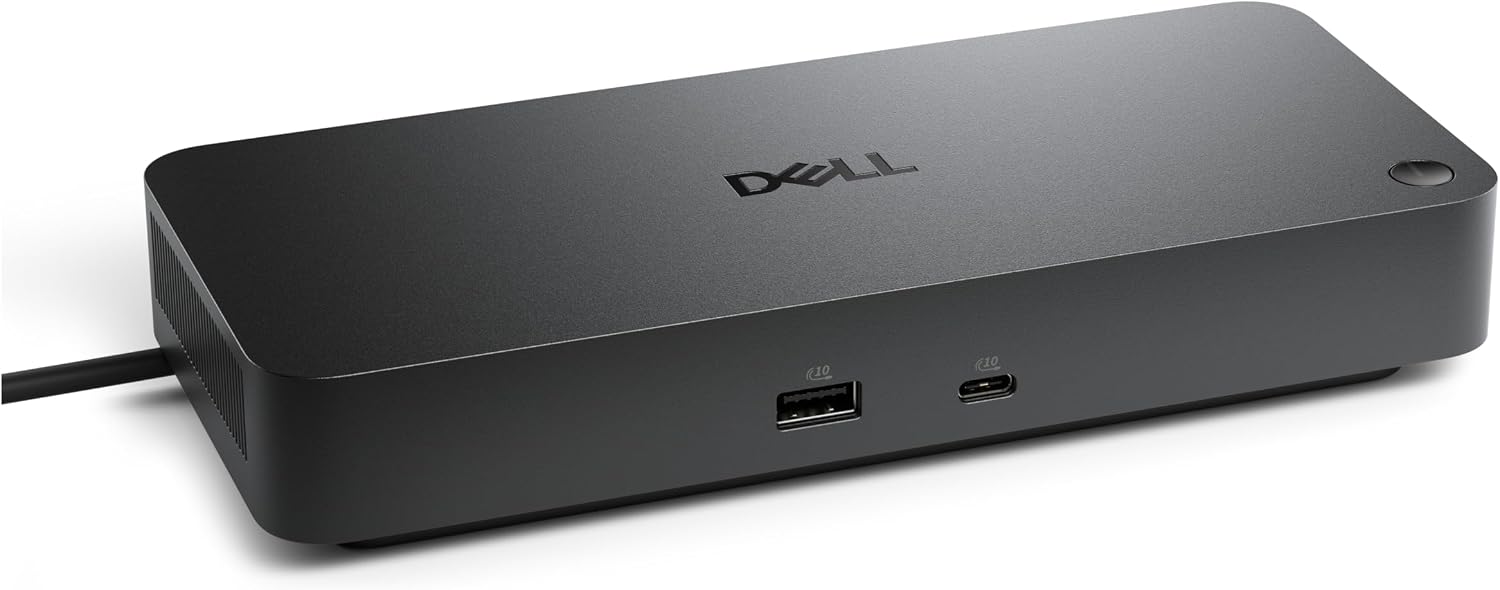
Dell Pro Dock WD25Z USB-C Docking Station with 180W Adapter
A business-focused USB-C dock for simplifying a Dell laptop desk setup. Its main appeal is single-cable convenience, but port and charging compatibility need verification.
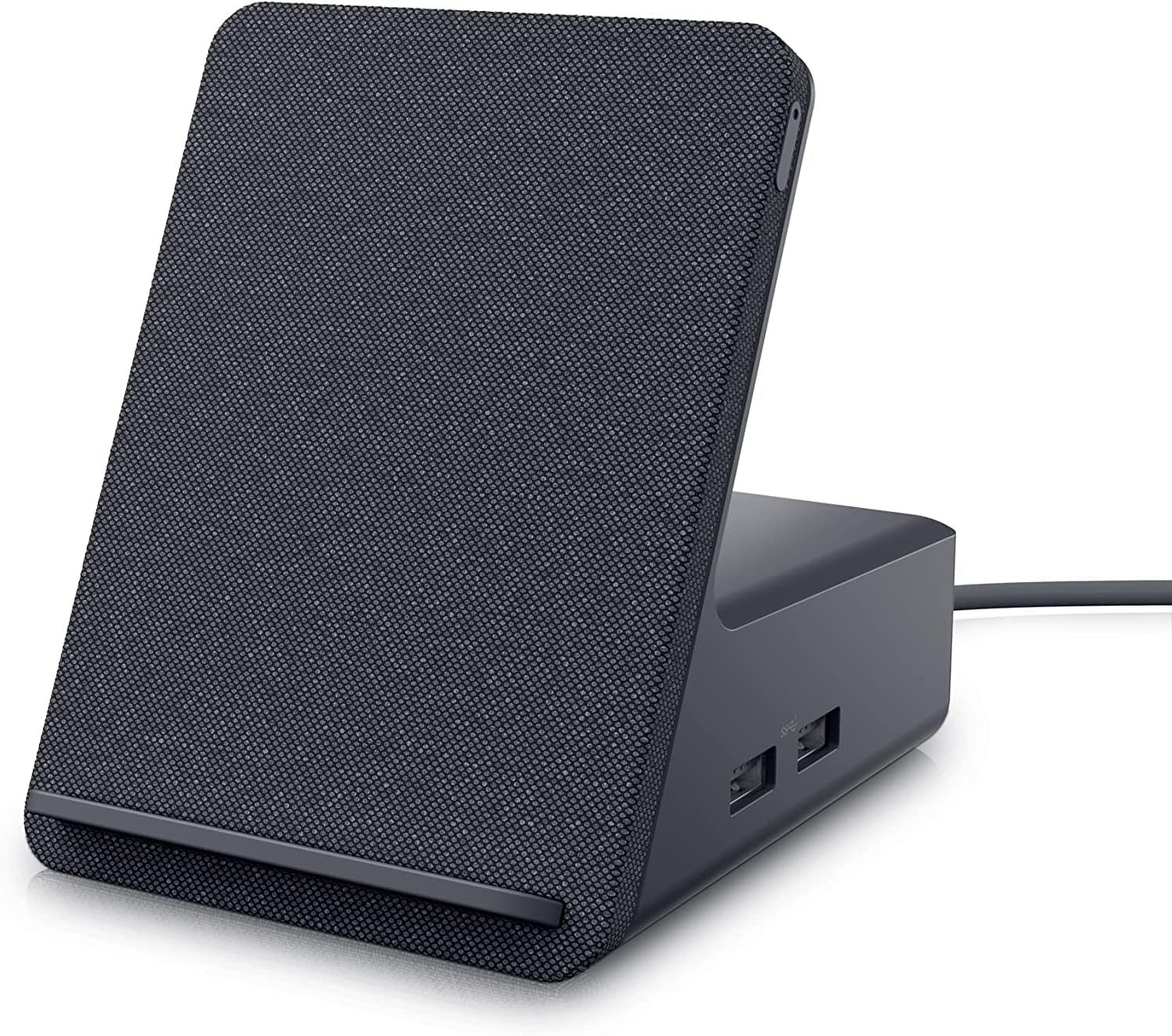
Dell HD22Q Dual Monitor Docking Station with Wireless Charging Stand
The Dell HD22Q combines dual-monitor connectivity, USB-C docking, and a wireless phone-charging stand in one tidy desktop hub. Its appeal depends heavily on laptop compatibility.
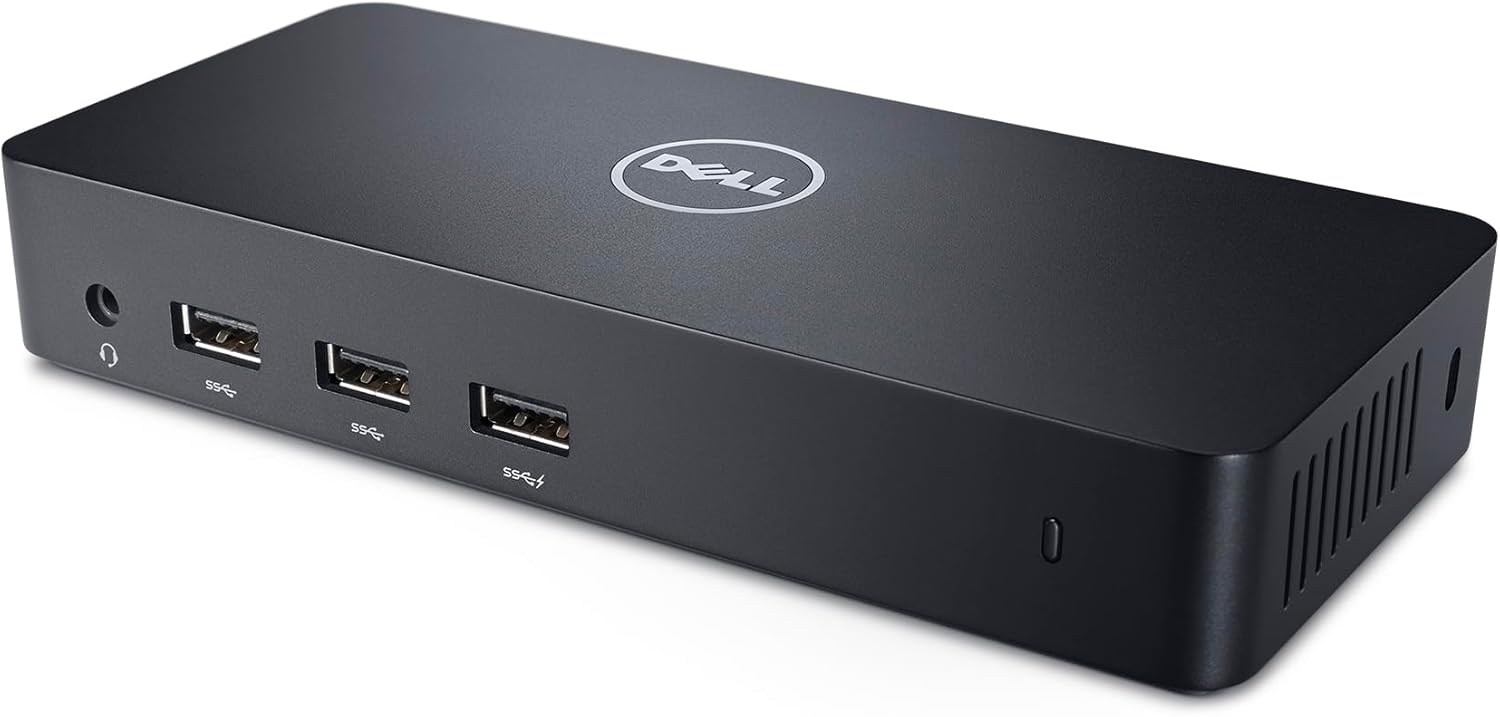
Dell USB 3.0 Ultra HD/4K Triple Display Docking Station D3100
The Dell D3100 adds up to three displays plus practical desktop connections through USB 3.0, but its DisplayLink design and lack of laptop charging require careful compatibility checks.
Dell DA300 USB-C Mobile Adapter
Best for everyday connections